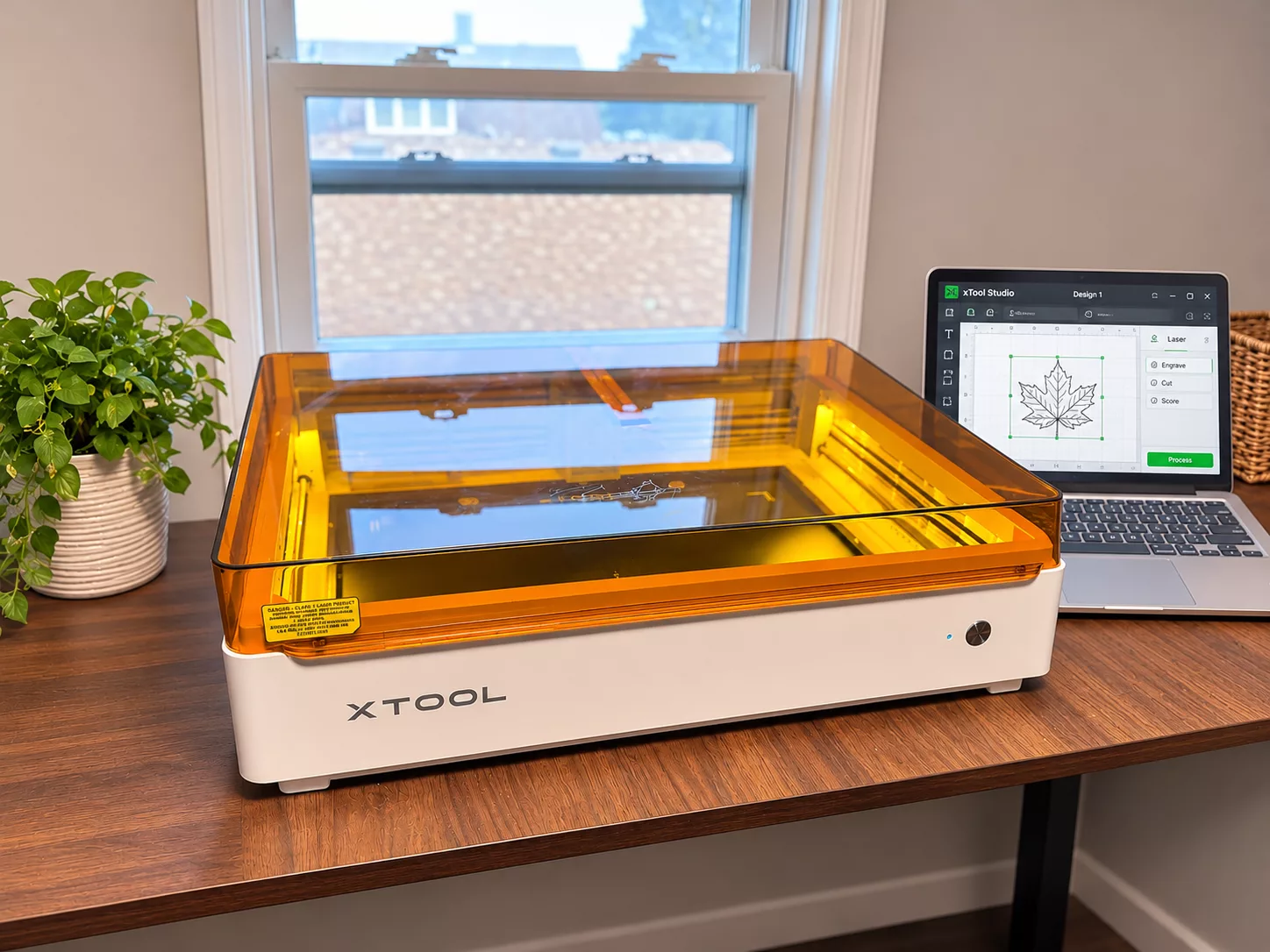
Thanks to xTool for sending me the M2! As always, all opinions are my own.
I’ve always loved being able to create personalized gifts, cute home decor, and little projects that you just can’t find in stores. There’s something so satisfying about having an idea in your head and actually bringing it to life! And with the holidays right around the corner, I’ve been especially excited about making meaningful, one-of-a-kind gifts for family and friends.
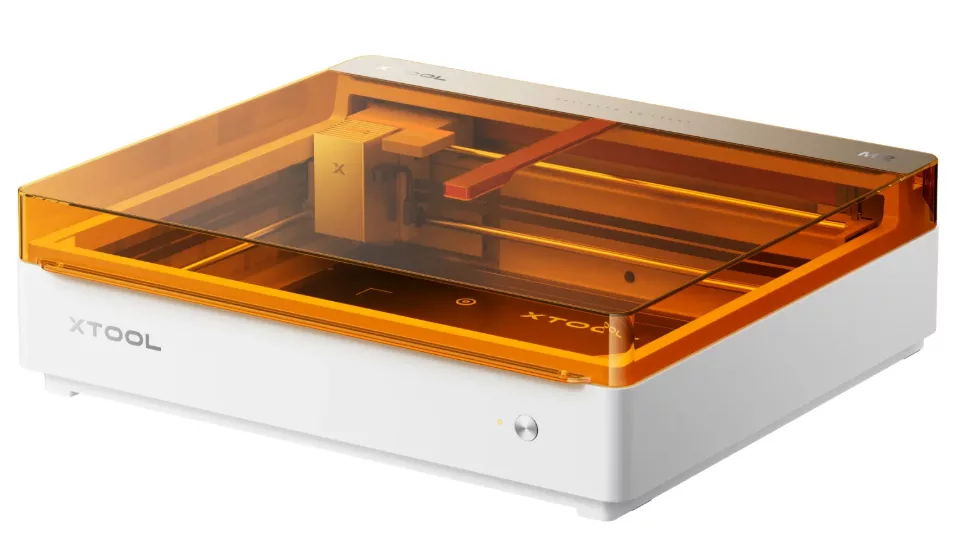
xTool M2 Craft Laser Cutter & Engraver
I was so excited to try the xTool M2 Color Craft Laser Cutter & Engraver! This machine takes crafting to a whole new level by combining laser cutting, engraving, and full-color printing capabilities into one versatile system. Whether you love making decorations for your home, personalizing gifts, creating stickers, or even dreaming about starting a small crafting business, there are so many possibilities.
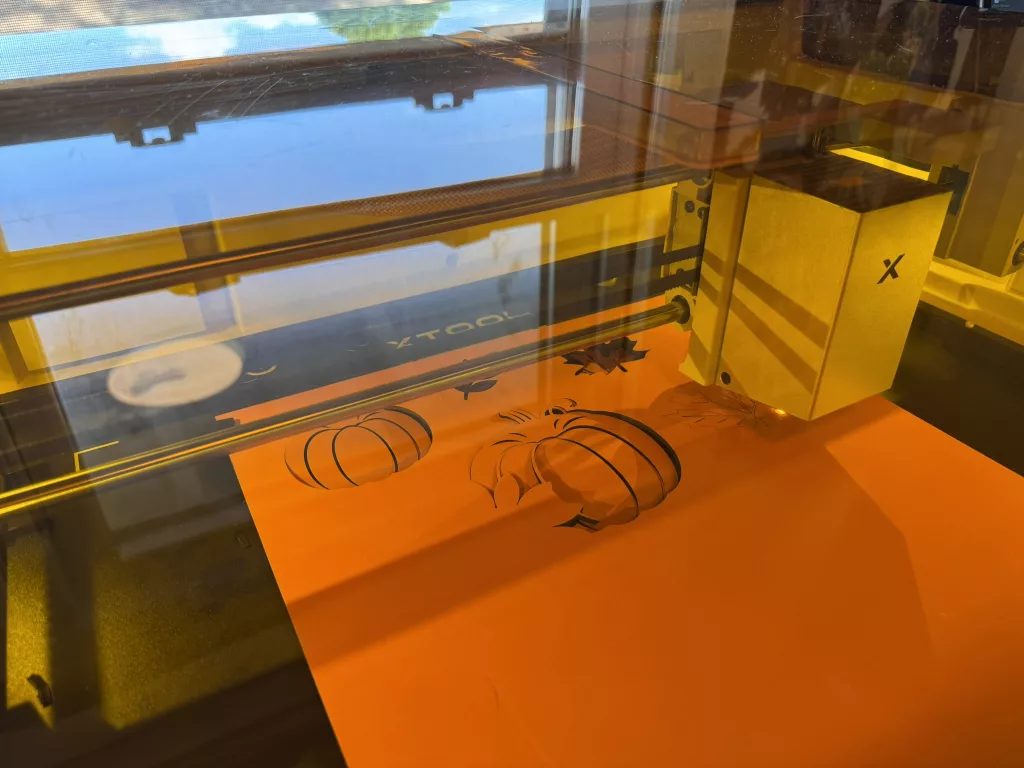
If you’re unfamiliar with laser crafting machines, the xTool M2 might sound a little intimidating at first (I was definitely intimidated as I was taking it out of the box for the first time!). But one of the things that makes this machine appealing is that it’s designed to make laser crafting more accessible, even for people who don’t have professional design experience.
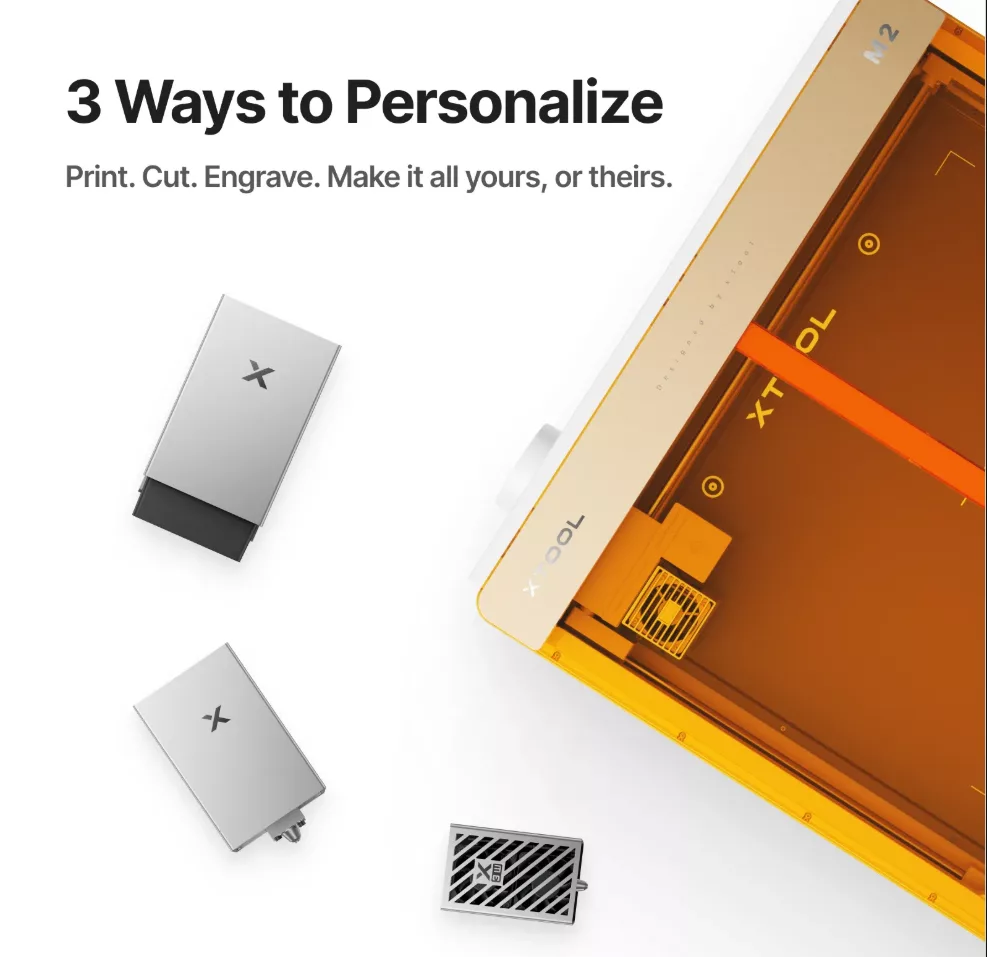
The xTool M2 is a multifunctional crafting machine that allows users to cut intricate shapes, engrave personalized designs, and create full-color projects with its optional CMYK inkjet printing module. Instead of needing multiple separate machines for different types of crafts, you can accomplish quite a bit with one system!
Some of the standout features include:
- Laser Cutting: Create detailed shapes and designs from compatible materials such as wood, paper, felt, and more.
- Laser Engraving: Add names, messages, patterns, and artwork to personalized gifts and decorations.
- Full-Color Printing: With the CMYK inkjet module, print colorful artwork directly onto compatible materials before cutting it into finished projects.
- Dual-Camera System: Preview your materials and position your designs more accurately.
- xTool Studio Software: Create your own designs, customize existing templates, and explore AI-powered design tools.
- Built-In Air Assist: Helps produce cleaner laser cuts.
- Enclosed Design: Features Class 1 laser safety protection when operated according to the manufacturer’s instructions.
One thing worth mentioning is that the full-color printing module isn’t included with every package, so you’ll want to pay attention to which bundle you’re purchasing. What really makes the M2 exciting to me is the variety of projects you can create. You aren’t limited to one particular type of craft, and that makes it especially appealing for someone like me who enjoys trying a little bit of everything!
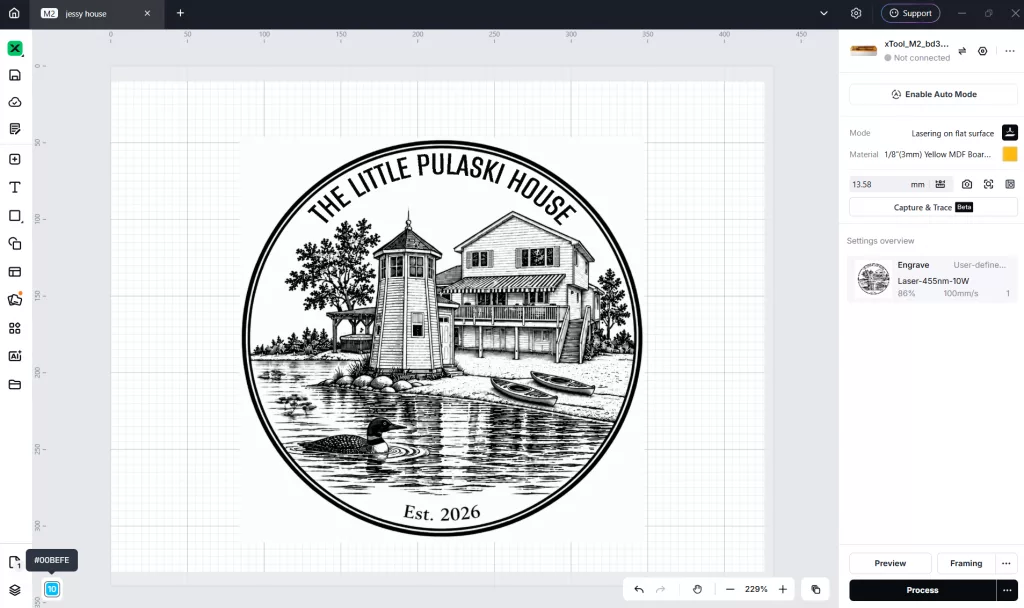
xTool Studio
Of course, having a machine that can create all these amazing things is only part of the equation. You also need a way to design your projects and tell the machine what you want it to do. That’s where xTool Studio comes in! xTool Studio is the software that works with the M2, and it’s where you can bring your creative ideas together. You can work with shapes, text, images, and designs, arrange them on your workspace, and prepare them for cutting, engraving, or printing.
I love that you don’t necessarily have to start every project from scratch. There are templates and design resources available, which can be especially helpful when you’re still learning or just want to put together something quickly. For personalized gifts, being able to add names, special dates, or meaningful messages is a huge plus. Something as simple as adding a person’s name can turn an ordinary item into a keepsake.
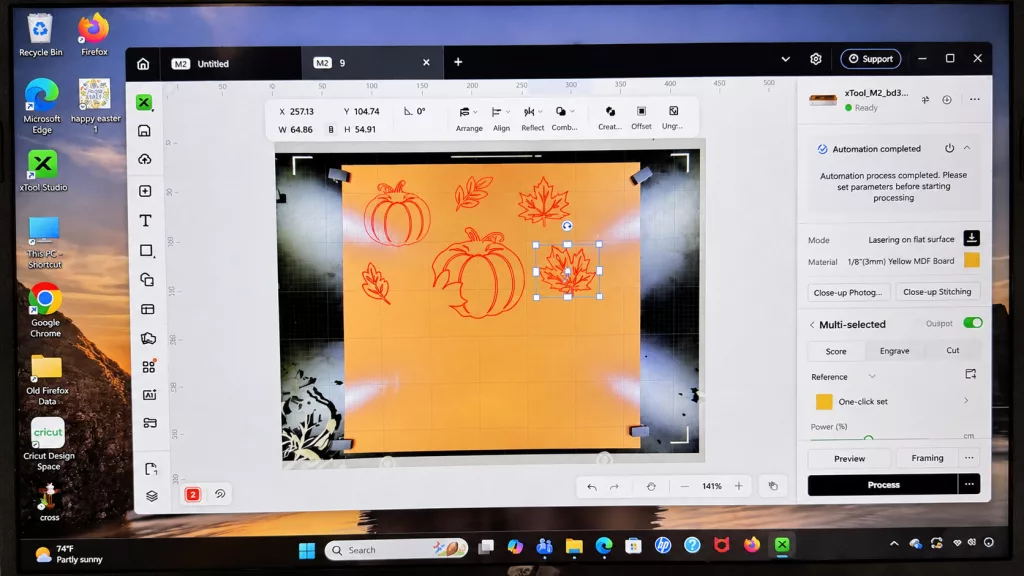
Another feature I appreciate is the camera preview system. Being able to see your material in the workspace and position your design accordingly helps take some of the guesswork out of crafting. That’s particularly useful when you’re working with a specific piece of wood or want your engraving to land in just the right spot.
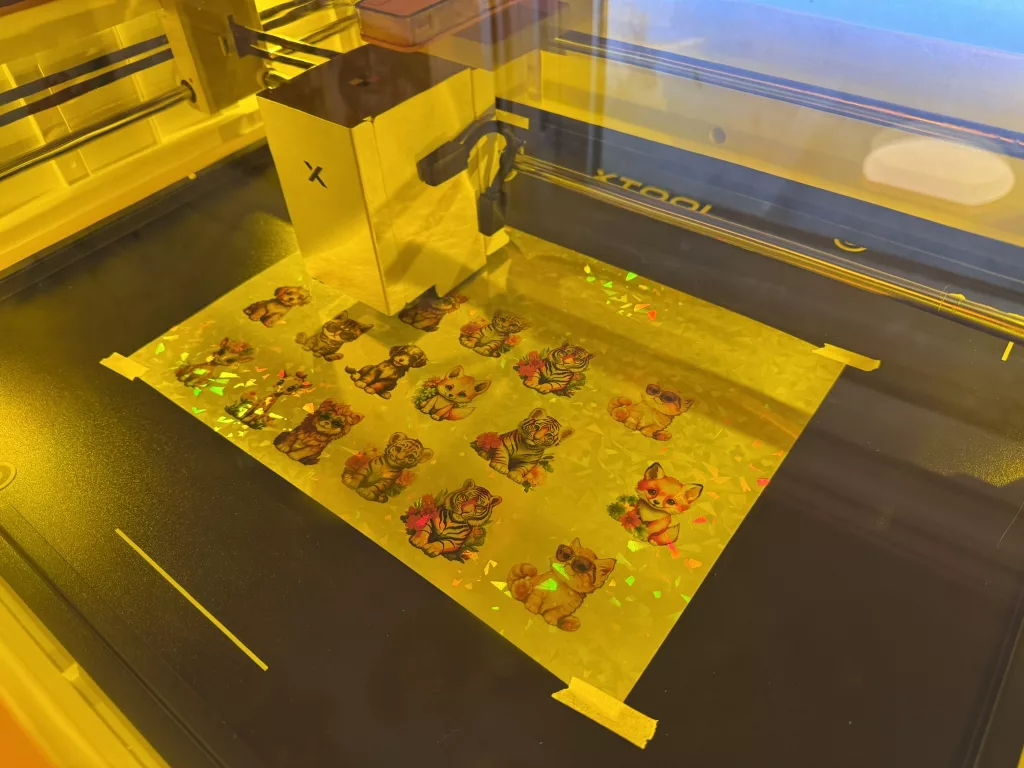
The best way to get familiar with a new crafting machine is to start making things! I’ve already had the opportunity to try several different types of projects, and each one has helped me explore another side of what the M2 can do. One of my fun projects was making cute animal stickers!
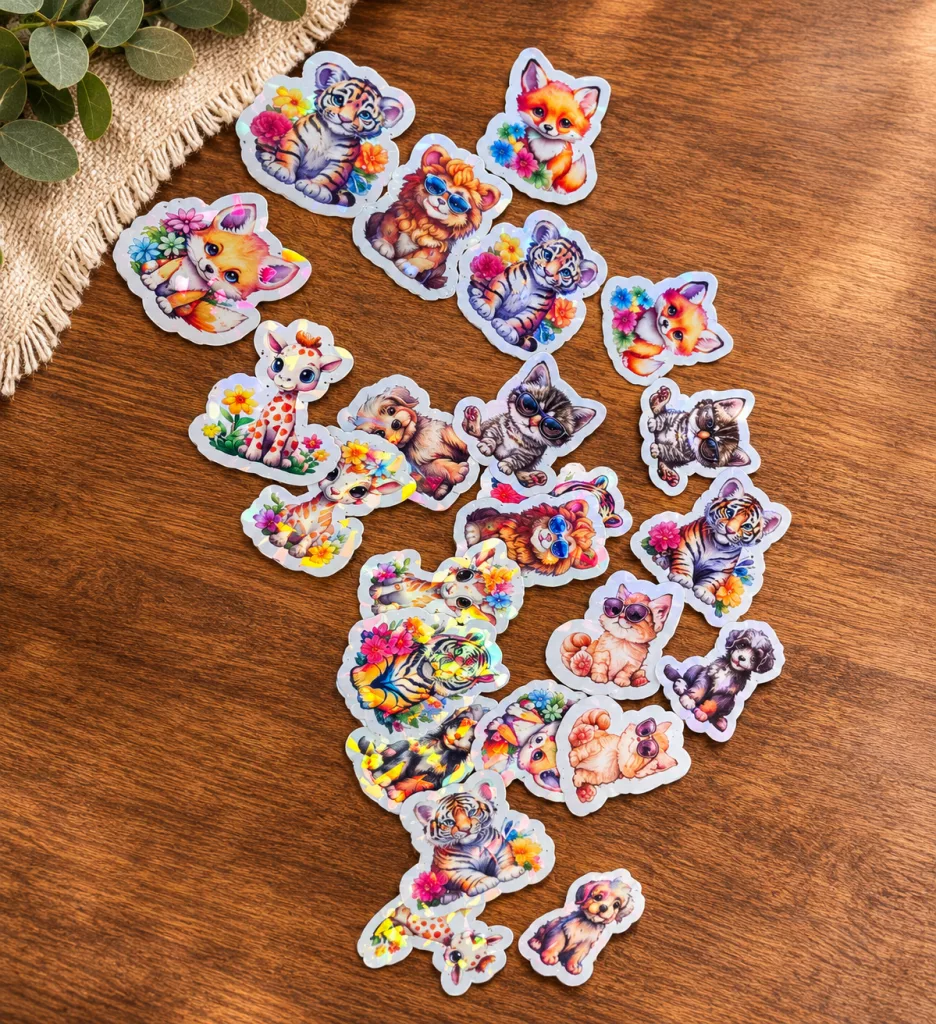
I love projects like these because there are so many ways to use them. They’re great for decorating notebooks, adding to gifts, making little surprises for kids, or even creating custom stickers for special occasions. The M2’s color printing and precision cutting capabilities make it possible to create colorful designs and cut around their shapes without having to painstakingly trim each one by hand. I can already imagine making holiday-themed stickers, birthday party favors, or personalized designs for all kinds of occasions!
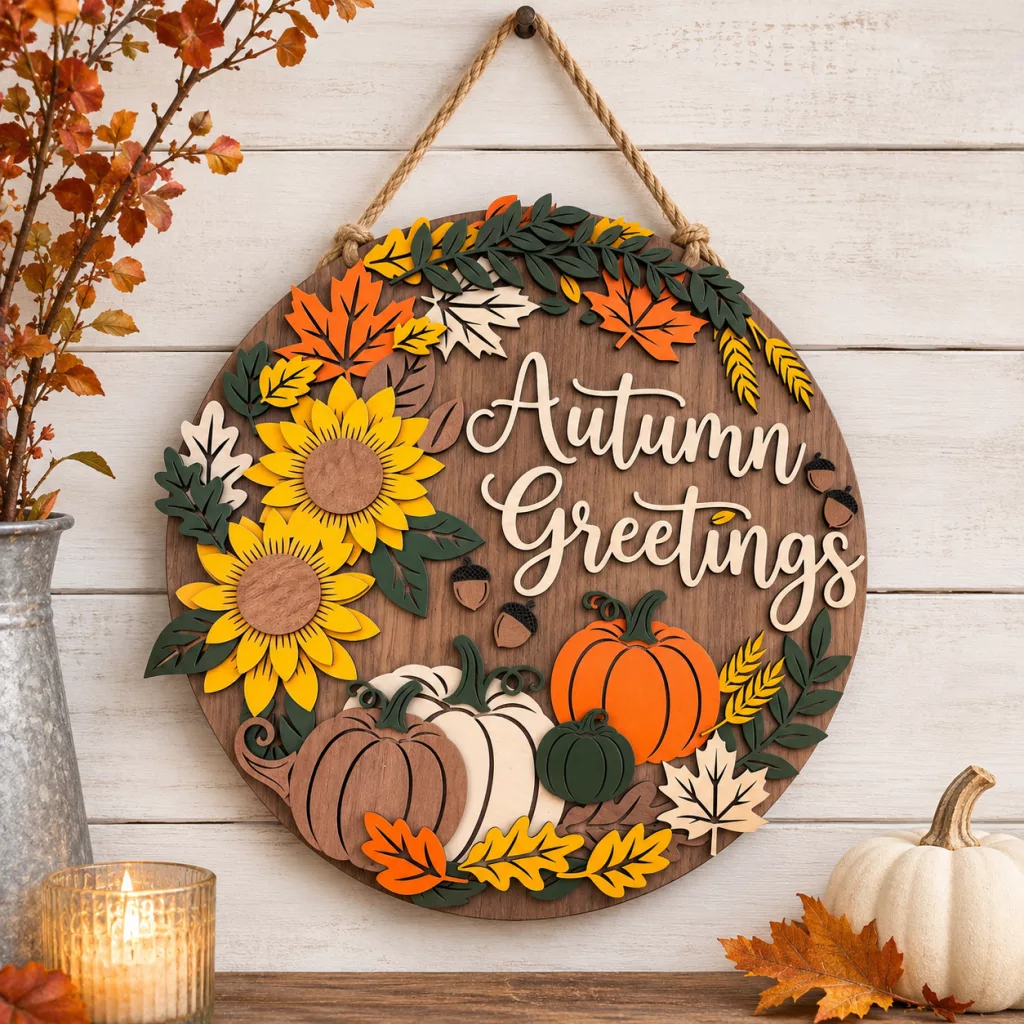
Next up was an autumn sign! I love decorating for the seasons, but I also love finding pieces that fit the style of my home. Making my own decorations gives me the freedom to choose the wording, size, and overall look instead of settling for whatever happens to be available at the store. The xTool M2 opens up so many possibilities for seasonal home decor, from simple wooden signs to more detailed layered decorations. Fall is especially fun because you can incorporate leaves, pumpkins, cozy sayings, and all those warm, inviting elements that make autumn decorating so enjoyable. Once you start thinking about seasonal projects, it’s hard not to jump ahead to Christmas! Personalized ornaments, gift tags, signs, and decorations are all ideas I’d love to explore.
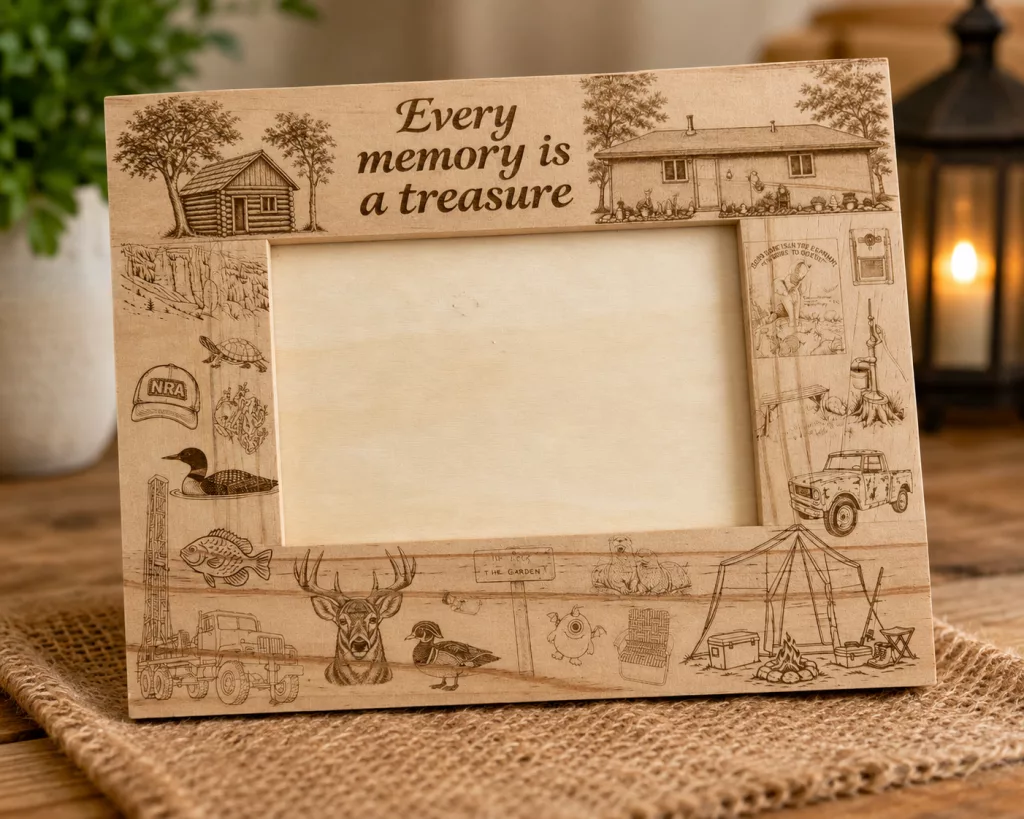
Of the projects I’ve made so far, this one is especially meaningful. I created a personalized picture frame for my grandpa for his 88th birthday, and I love that the xTool M2 gave me the ability to make gifts that feel so much more personal than something purchased off a store shelf. As grandparents get older, I find myself appreciating sentimental gifts more and more. A personalized picture frame is something that can hold a special family memory while also showing the extra thought that went into creating it. For example, most of these images don’t mean anything to the general public, but when my grandpa saw the tiny cabin he grew up in, the book he read me when I was just a toddler, and the well-drilling rig (his life’s career), he smiled bigger than I’ve seen him smile in months. I was hoping these images could be a reminder of the amazing life he’s lived, because it’s sure meant a lot to me and my family.
What excites me most about the xTool M2 is just how many different directions you can take your creativity. The M2 is certainly a bigger investment than basic crafting supplies, so I think it’s best suited for someone who genuinely enjoys creating and plans to use its different capabilities. But for dedicated crafters, DIY enthusiasts, personalized gift makers, or someone considering selling handmade items, there’s a lot to explore. And if you’re shopping for a creative person this holiday season, this is definitely the kind of gift that could keep them busy long after Christmas morning!
I’m excited to keep experimenting, trying new materials, and seeing what else I can create. I already have plenty of ideas, and I have a feeling my project list is only going to keep growing!
- Buy it: xTool
- Discount: Keep an eye out for HUGE discounts and sales for Black Friday/Cyber Monday!


Related Posts:







Hi there! I’m Amber, a 34 year old wife and mom of two from central Minnesota. I love to be outside with my family anywhere the weather is warm (which means I spend half the year freezing). We’re a homeschooling family that loves to travel as often as possible! When I have a spare free moment, I love to read, take photos, and scrapbook. I’m interested in anything that makes life more fun; I also love socializing and sharing about my favorite products!
This post currently has no responses.






Leave a Reply